![Life QI icon - 2.png]](https://help.lifeqisystem.com/hs-fs/hubfs/Life%20QI%20icon%20-%202.png?height=40&name=Life%20QI%20icon%20-%202.png)
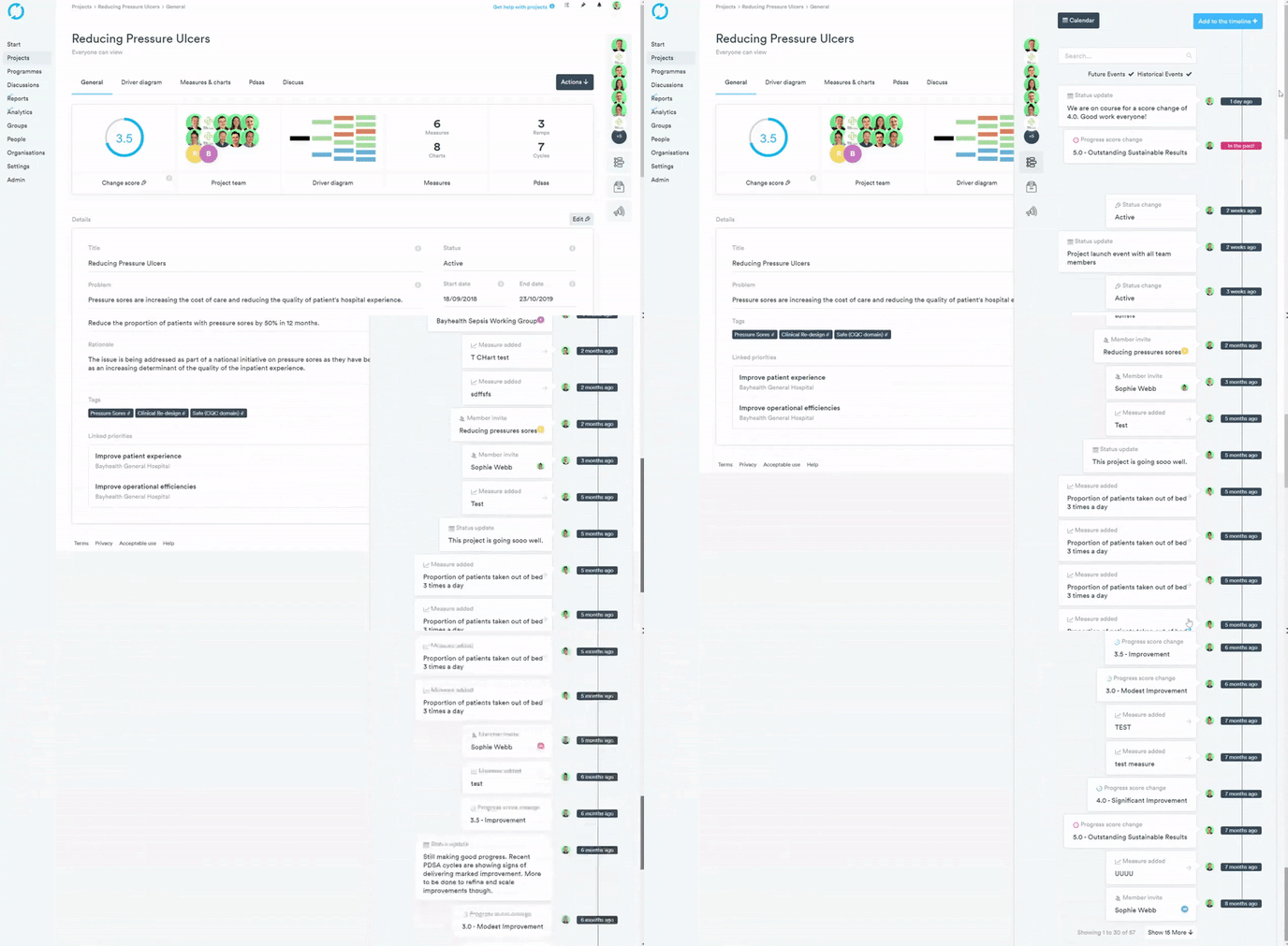
To view your timeline:
- From your Project general page, select the Timeline button, underneath the members panel on the right-hand side of your project.
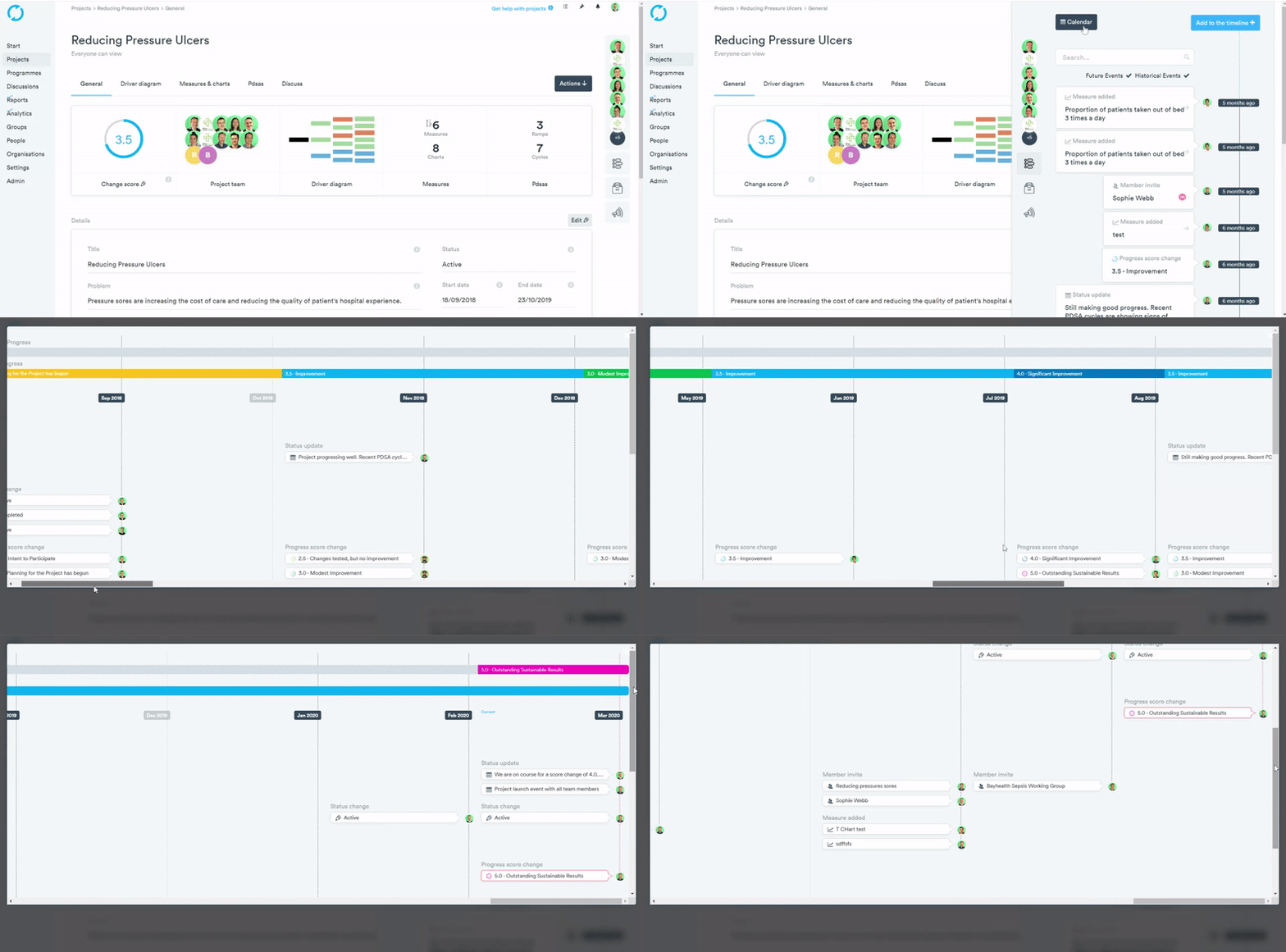
You can also view your timeline in the form of a calendar view giving you an overview of the timeline from a different and more in-depth perspective. You're also able to track against the expected progress of your project.
- From your Project general page, select the Timeline button, underneath the members panel on the right-hand side of your project.
- Select “Calendar” at the top of the Timeline pop out.
To learn how to update your timeline with status updates, see the article below: